How do I reset my password?
How you reset your password depends on how you signed up.
1.If you signed up with Apple or Google
You don't have a separate Loora password. Just tap Apple or Google to sign in. To reset the password for that account, reset your Apple ID password or reset your Google password.
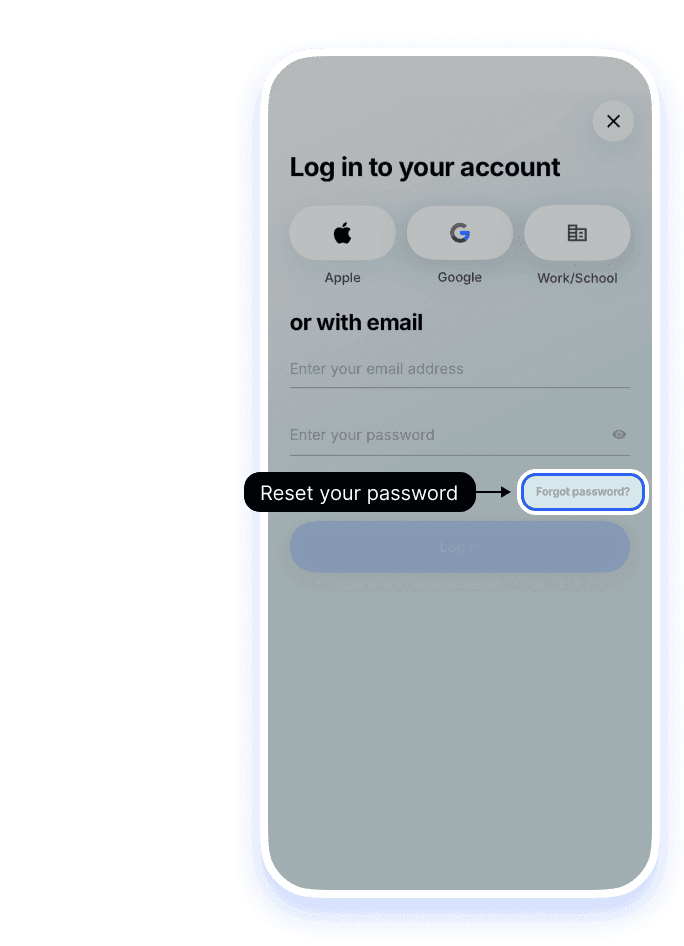
2.If you signed up with email
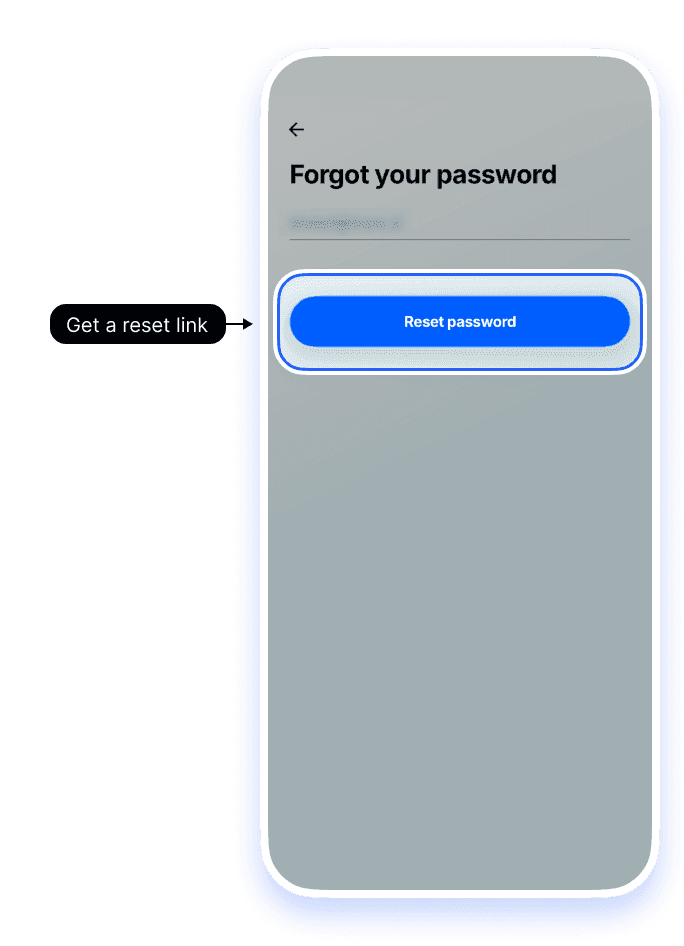
On the login screen, tap Forgot password? on the right under the password field, enter your email, and tap Reset password. The link expires in 1 hour — check inbox and spam, including mail from help@paddle.com if you bought on the web. You can also use Reset password.
Still having trouble?
If you didn’t get the reset email
Check your spam or junk folder, and make sure you entered the exact email you signed up with. If you bought on our website, also look for mail from help@paddle.com. You can also set a new password here.


