How to manage notifications?
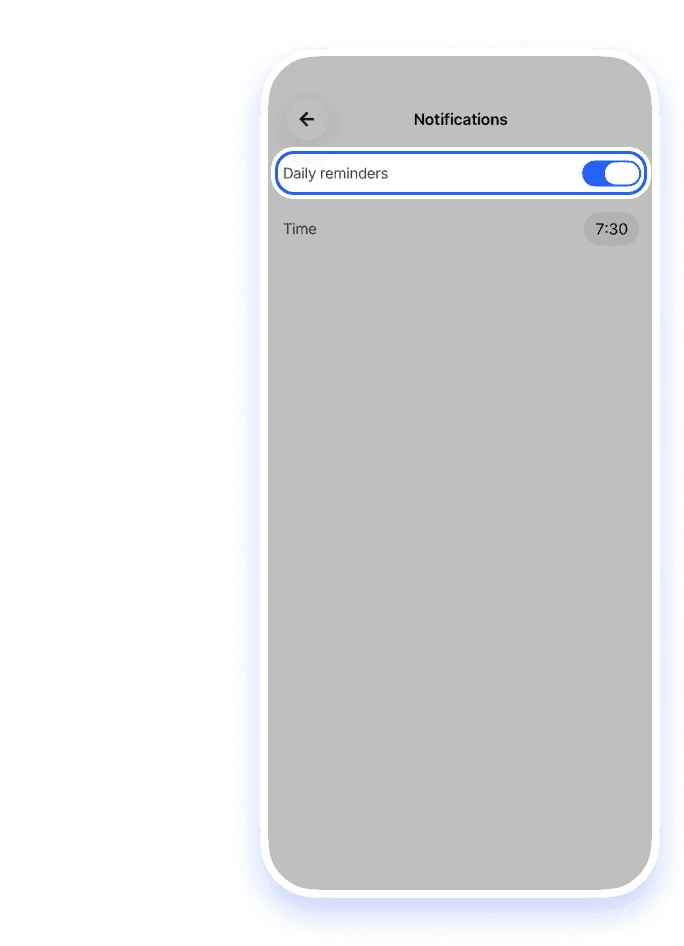
Set a daily reminder to practice, change its time, or turn reminders off.
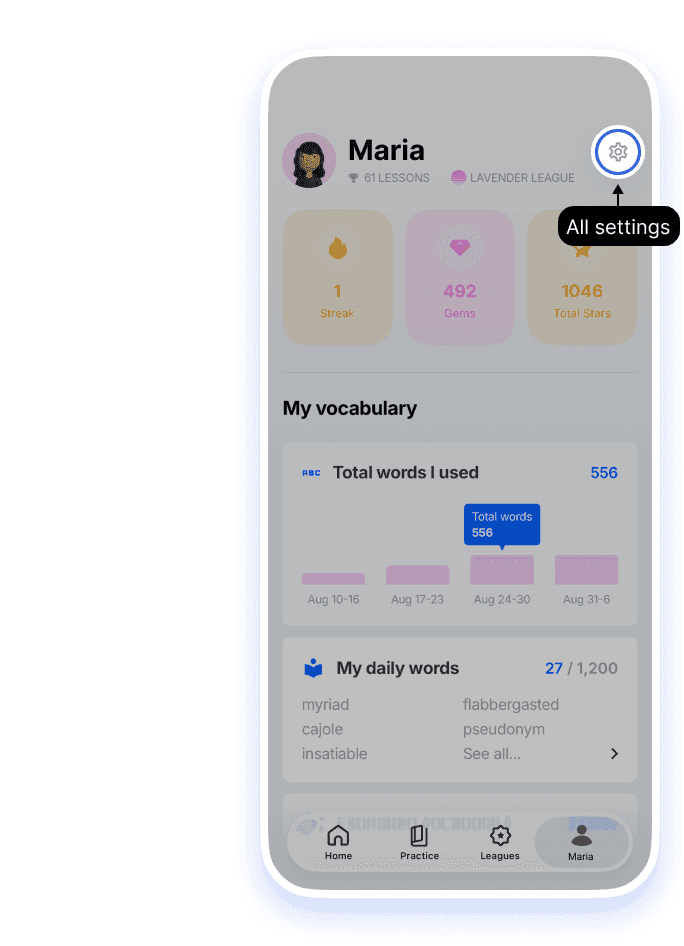
1.Open Settings from the Me tab
Tap the person icon in the bottom bar to open the Me tab, then tap the gear in the top right.
2.Notifications
Open Notifications on the Settings screen to turn reminders on or off and choose what time you get them.
3.Allow notifications on your phone
For reminders to work, your phone must allow notifications from Loora:
- iPhone: Settings → Notifications → Loora → Allow Notifications
- Android: Settings → Apps → Loora → Notifications → Allow
Tip: choose a time when you usually have 15 minutes free. A reminder at the same time every day turns practice into a habit.


